
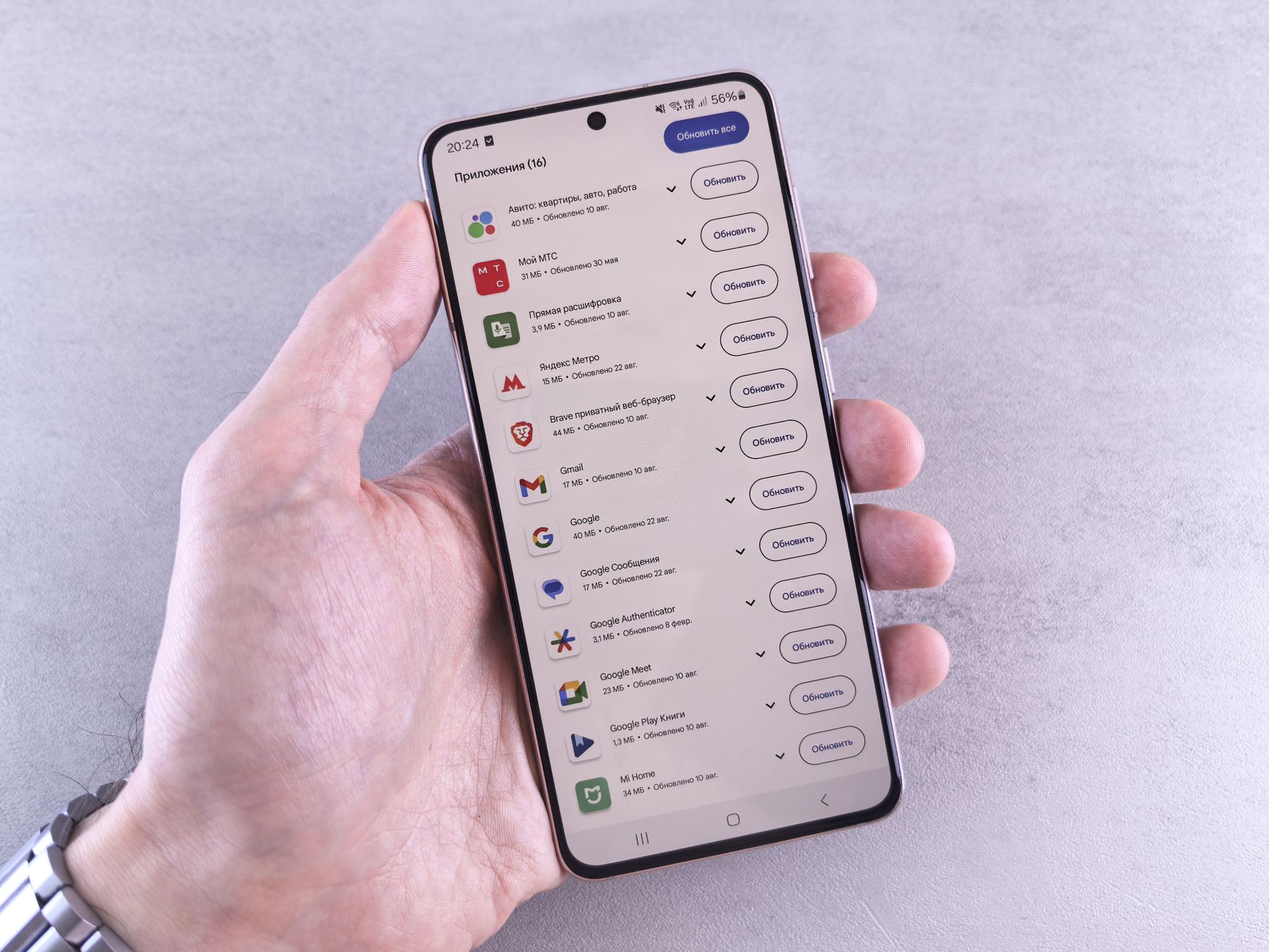
Windows app updates have been a persistent annoyance for users over the years. With Windows 11, Microsoft is taking steps to eliminate these nagging update pop-ups, promising a smoother experience.
Understanding the Update Issue
For two decades, users have experienced the persistent annoyance of update notifications from various Windows apps, including popular platforms like Java. These interruptions have become synonymous with the Windows experience, and many users dread encountering these pop-ups during their workflow.
The introduction of Windows 11 aims to tackle this issue, as Microsoft acknowledges the frustration caused by incessant update reminders. The company is striving to create a smoother user experience, reducing the number of interruptions while still ensuring that applications remain up-to-date. The frequent nagging from Windows app updates has become more than just a mild inconvenience; it disrupts productivity and can lead to potential security vulnerabilities if users choose to ignore the updates.
This transition reflects a broader trend in software development, where user experience is prioritized alongside functionality and security. As technology evolves, the expectation is that updates should be seamless, allowing users to focus on their tasks without the distraction of constant notifications.
While the goal of minimizing these disruptive windows is commendable, the challenge remains in balancing the need for updates with user satisfaction. Only time will tell if Windows 11 can effectively address this long-standing issue.
How Windows 11 Addresses App Updates
Windows 11 brings a fresh approach to handling Windows app updates, aiming to alleviate the frustration users have faced for years. With its new integrated update management system, the operating system seeks to streamline the update process and reduce the frequency of disruptive pop-ups.
The key improvements in Windows 11 include:
- Centralized Update Notifications: Rather than individual apps demanding attention, updates are grouped and managed through a single interface, making it easier for users to stay informed without constant interruptions.
- Smart Scheduling: Windows 11 allows users to set preferred times for updates, ensuring that installations occur during less intrusive hours, such as overnight or during periods of inactivity.
- Automatic Updates: Many apps will now update automatically in the background, minimizing user involvement and ensuring that the latest features and security patches are always in place.
These measures are intended to create a more seamless experience, allowing users to focus on their tasks rather than being distracted by nagging update prompts. As Windows 11 continues to evolve, the hope is that app updates will become a non-issue for users.
User Reactions to Update Changes
Users have expressed a range of emotions regarding the latest changes to Windows app updates. Many find the persistent update notifications to be a significant annoyance.
In a recent survey, several users shared their experiences:
- John, a software developer: “It’s frustrating to be interrupted with constant nagging about updates when I’m in the middle of a project.”
- Emily, a casual user: “I often just dismiss the notifications without thinking. I wish there was a way to manage them better.”
- Michael, a tech enthusiast: “I appreciate the need for updates, but the way they are presented feels intrusive. It disrupts my workflow.”
Users are calling for more control over how and when they receive notifications for Windows app updates. Many suggest an option to schedule updates or at least receive reminders less frequently.
As the conversation around update management continues, it’s clear that finding a balance between security and user experience is essential for Microsoft moving forward.
Comparing Windows 10 and Windows 11
When comparing Windows 10 and Windows 11, it’s clear that the approach to managing Windows app updates has evolved significantly. Users of Windows 10 often experienced an overwhelming number of interruptions, with numerous applications prompting for updates independently. This fragmented experience led to frustration, as users were bombarded with pop-ups from various programs, including legacy apps like Java.
In contrast, Windows 11 aims to streamline this process. The operating system integrates updates more efficiently, minimizing the number of nagging notifications that users face. By consolidating app management, Windows 11 not only reduces the frequency of interruptions but also enhances user experience, allowing individuals to focus on their tasks rather than constantly responding to update prompts.
However, the transition has not been without its challenges. Some users have expressed concerns that while Windows 11 reduces the noise of constant updates, it may also obscure important notifications from critical applications. This shift in balance between user control and convenience is still under scrutiny.
As Windows continues to evolve, the hope is that the experience with Windows app updates will become less of a nagging annoyance and more of a seamless part of the user journey.
Future of App Updates in Windows
The future of app updates in Windows seems poised for transformation as Microsoft seeks to address long-standing user frustrations. With the introduction of Windows 11, there is a clear intention to streamline how updates are handled, particularly for third-party applications.
Historically, users have experienced incessant notifications from applications like Java, which disrupted their workflow with frequent update prompts. As the tech giant aims to refine this experience, the focus is shifting towards more user-friendly methods of managing updates.
In Windows 11, Microsoft is exploring solutions that minimize interruptions while ensuring that users remain informed about critical updates. This includes:
- Centralized Notifications: A unified hub for app updates could reduce the number of pop-ups, consolidating alerts into a single location.
- Smart Scheduling: Allowing users to choose the timing of updates can help prevent disruptions during important tasks.
- Customizable Settings: Enhanced options for users to manage how and when updates occur could lead to a more tailored experience.
As Microsoft continues to innovate within Windows app updates, the goal remains clear: a less intrusive, more cohesive update experience for all users.
Many users have expressed their frustration with how Windows app updates interrupt their workflow. The constant reminders for Windows app updates can feel like an endless cycle of nagging that disrupts productivity.
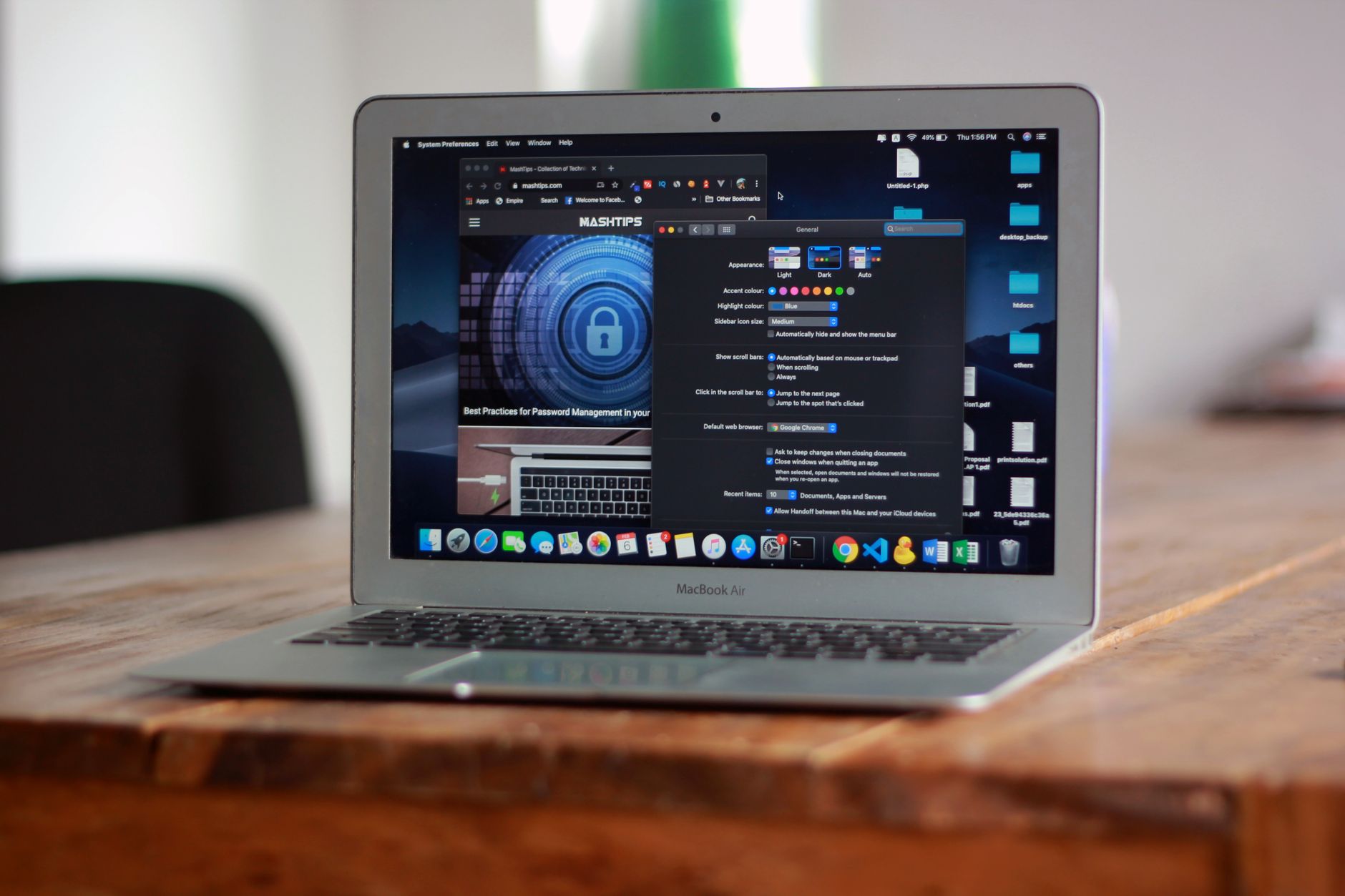
Photo by Andrey Matveev on Pexels





Leave a Reply